Building analysis
KCS Building Analysis
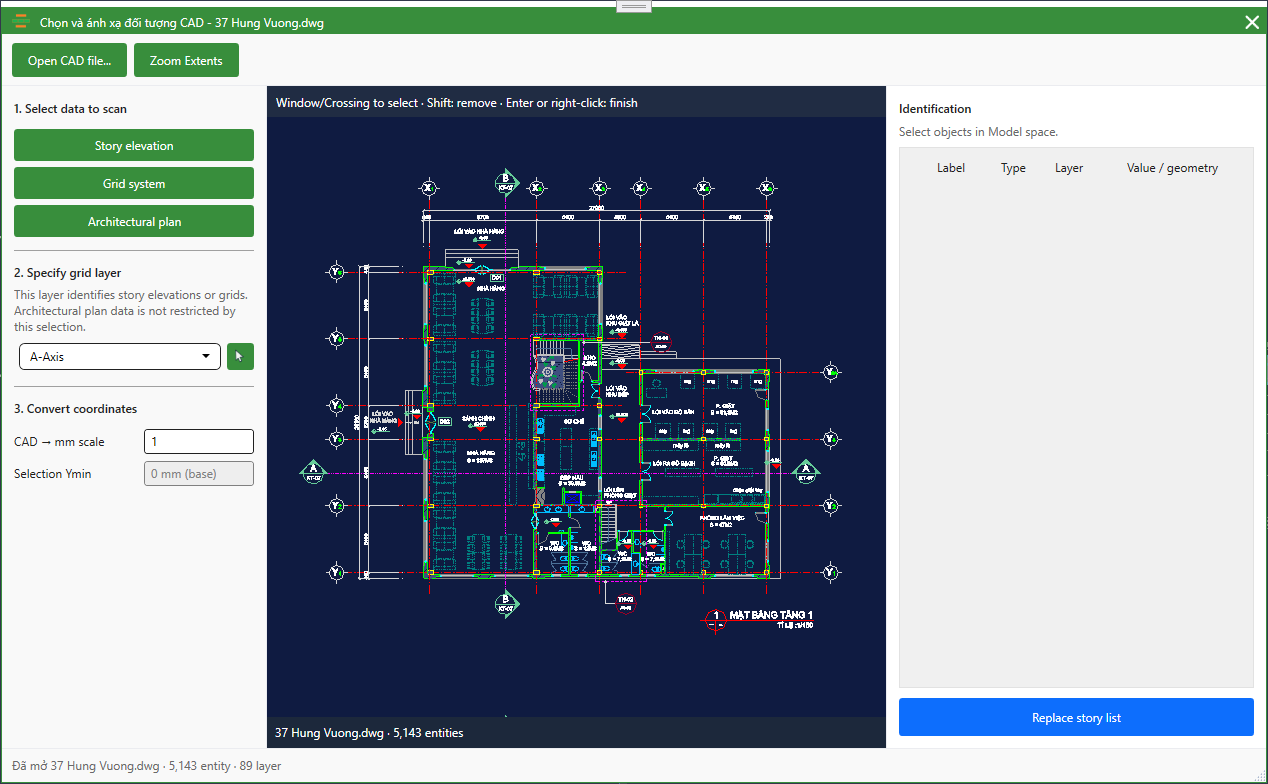
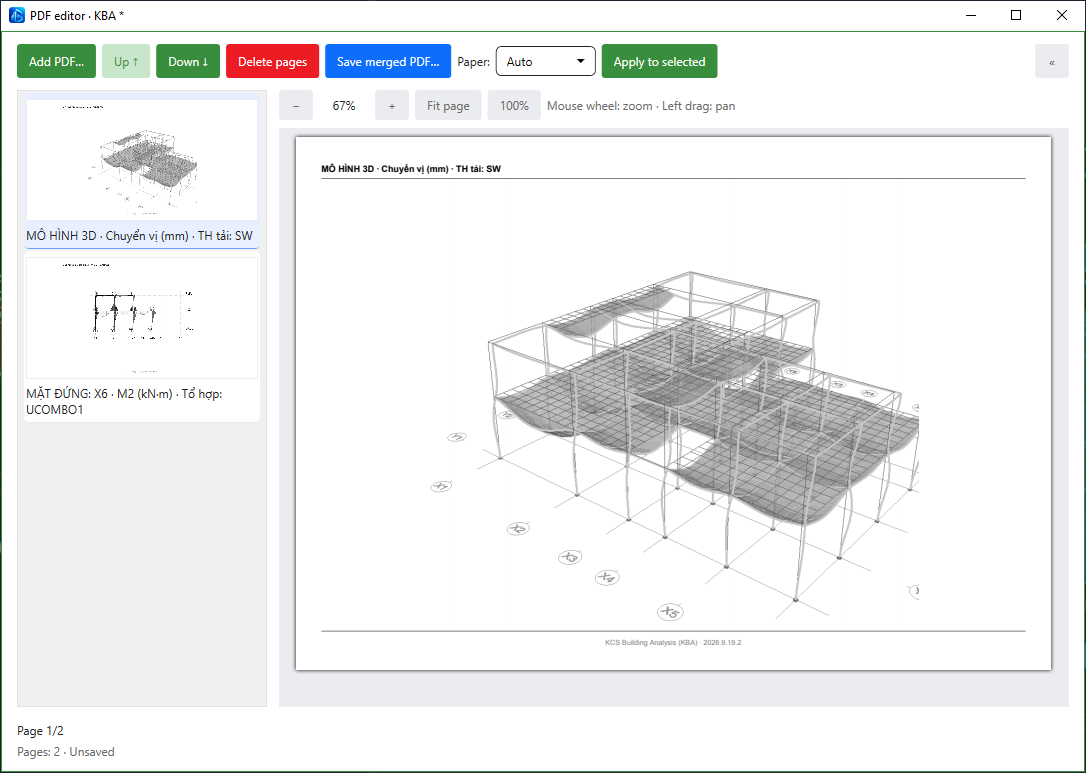
Build structural models from DWG files, assign wall loads, check reinforced-concrete and steel members, and export model views to PDF.
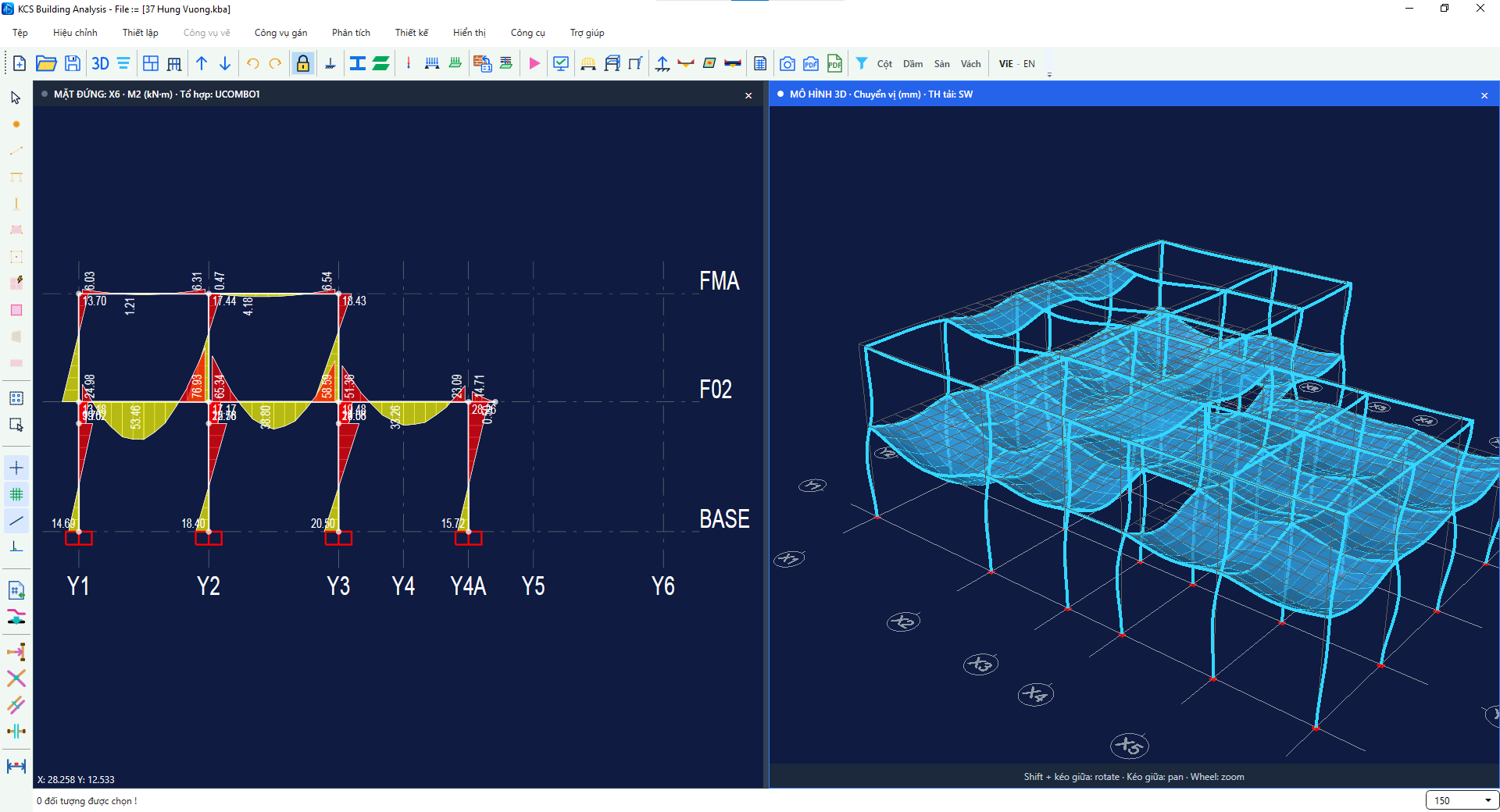
Original screenshots from KetcauSoft.
Inside the software
KetcauSoft on YouTube
KBA video tutorials
Follow the step-by-step tutorials, from creating a project to running the analysis.
Importing Grid Lines and Story Levels from Architectural Drawings
Watch on YouTubeImporting Architectural Floor Plans
Watch on YouTubeDraw Beam Column
Watch on YouTubeDraw Slab
Watch on YouTubeDefine Floor LoadSet
Watch on YouTubeAssign Frame and Slab loads
Watch on YouTubeRun Analysis
Watch on YouTubeEnglish onboarding · For engineers in India and other markets
Explore KBA at your own pace
Use written guidance to work through the software, then send your questions by email.
Get the English package
Register your name, email and country, and choose KBA as your product interest.
Download packageFollow the user guide
Read the English onboarding documentation and follow the workflow alongside the software.
User guideAsk a question by email
Tell us which step you are working on and what you need help with. Support uses email and written documents.
Send an enquiryPurchase in your account
When you are ready, visit the KetcauSoft user portal to review the purchase options and manage your licence.
Open user portal (opens in a new tab)Before you get started
What does the download include?
The download provides the English KetcauSoft package. Selecting KBA records your product interest; it does not purchase or activate a licence.
Where can I find the English instructions?
The KBA user guide opens the English onboarding documentation. Keep it available while you work through the software.
User guideHow can I get help?
Send your question through the enquiry form with the email address you use. Include the software version and the step where you need help. Communication is handled by email.
Ask about KBAWhere do I buy KBA?
Purchases are handled through user.ketcausoft.com . Download registration and email enquiries are separate from payment.